Question detection
How QuizSolver works on MS Forms
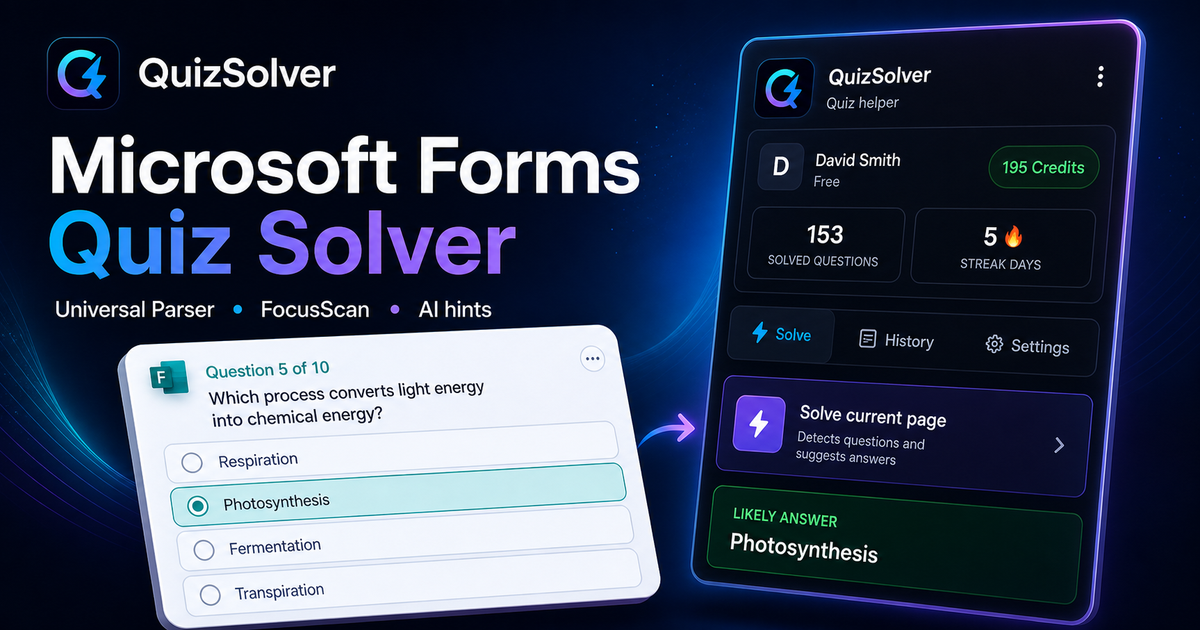
Microsoft Forms can render questions as cards with ratings, choices, text fields and media blocks. QuizSolver reads the active card structure and uses FocusScan when a school or company theme changes the default layout.
Under the hood, QuizSolver uses a universal parser: it compares the question text with nearby answer choices, form controls, images and the visible page layout. Tuned workflows improve reliability on popular platforms, and if standard detection does not return a meaningful question, FocusScan lets you select the exact screen region.
Every saved question can go to history with the answer, explanation and your own note. That means the platform workflow does not stop at a one-time hint: solved tasks become a private review library and practice quiz source.