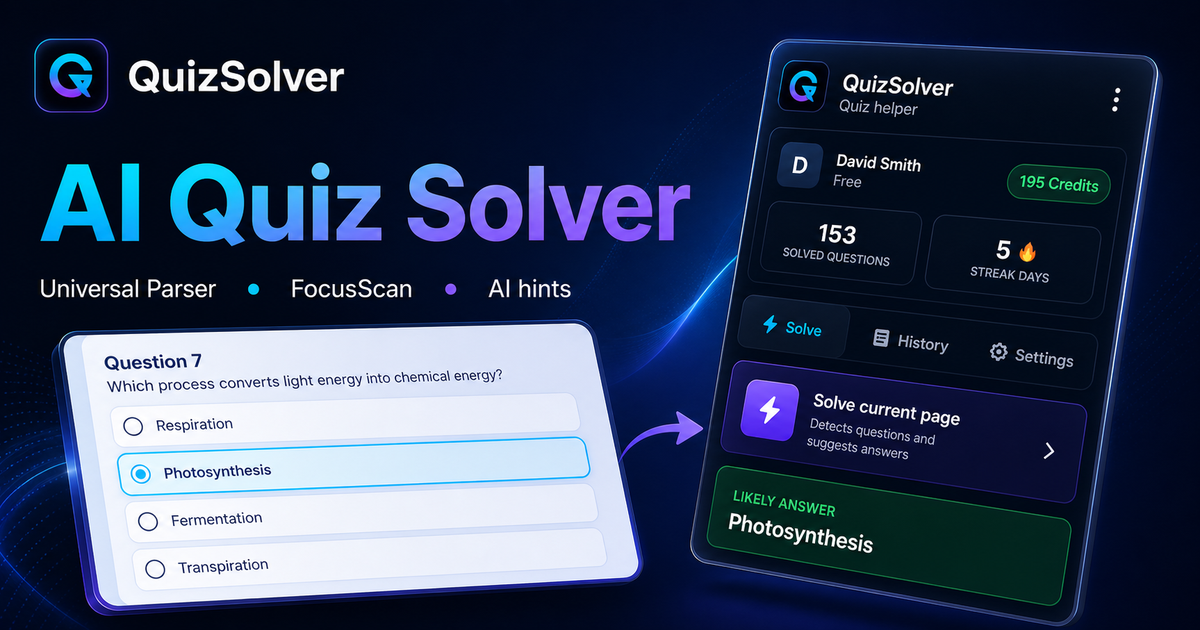
AI quiz solver

Quiz solver AI for answers, explanations, and practice

QuizSolver combines answer suggestions, concise reasoning, saved history, and Practice Mode in one browser extension workflow.

How to use the AI quiz solver workflow

  1. Install the QuizSolver browser extension and sign in.
  2. Open a supported quiz page or a trusted page you have allowed.
  3. Use answer suggestions, explanations, Study Notes, and Practice Mode to review the material.

Core AI quiz solver features

  • AI answer suggestions
  • Answer explanations
  • Study Notes history
  • Practice Mode
  • Smart cache
  • Optional site permissions

Use QuizSolver for learning, revision, and permitted practice workflows.

Quiz solver AI for long-tail searches

The page is written around natural keyword clusters such as quiz solver AI, AI quiz solver extension, quiz answer assistant, and answer explanation AI.

Built as a study workflow

Instead of a one-off answer screen, QuizSolver connects solving, explanation, saved notes, and practice quizzes into one repeatable learning loop.

FAQ

QuizSolver FAQ

What does a quiz solver AI do?

It reviews visible quiz content, suggests an answer, and can explain why that answer fits when the workflow is allowed.

Can QuizSolver save questions for later?

Yes. Study Notes can save questions, answers, explanations, and learning status for later Practice Mode.

Supported platforms

Works across popular quiz and LMS websites

QuizSolver is built around known platform patterns and a safe optional-permission flow for trusted pages.