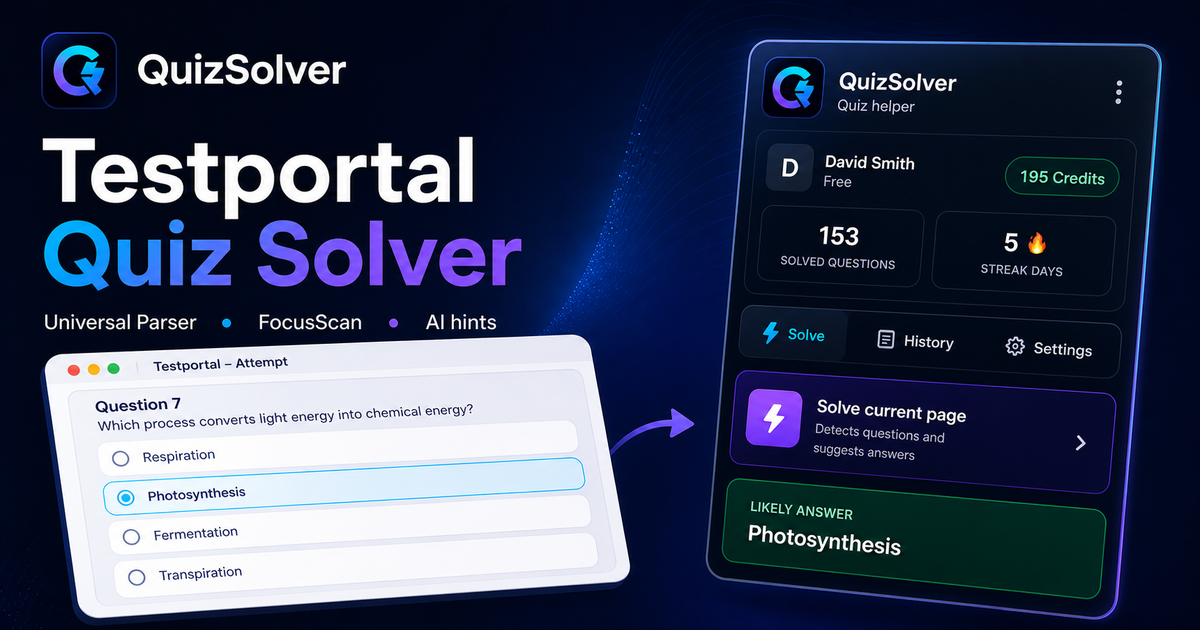
Testportal workflow

Testportal quiz solver for faster practice and explanations

QuizSolver helps users review Testportal-style questions by detecting visible prompts, suggesting answers, and saving explanations into Study Notes.

How to use QuizSolver with Testportal

  1. Install the QuizSolver extension and sign in.
  2. Open a Testportal quiz or practice page where you are allowed to use study tools.
  3. Use answer suggestions, explanations, and saved notes to review the material.

Why it fits Testportal-style quizzes

  • Single-choice and multi-choice support
  • Answer explanations after solving
  • Study Notes history
  • Practice Mode from saved questions
  • Smart cache for repeated prompts
  • Optional permission control

Use QuizSolver responsibly for learning, revision, and permitted practice workflows.

Testportal quiz solver keyword coverage

This page targets searches like testportal quiz solver, Testportal solver, Testportal AI solver, and Testportal answer assistant with a dedicated URL and internal links.

Study-first Testportal workflow

The content focuses on permitted practice, answer explanations, revision notes, and repeated question review instead of hiding the product behind vague marketing copy.

FAQ

QuizSolver FAQ

Does QuizSolver work as a Testportal quiz solver?

QuizSolver supports Testportal-style quiz review workflows, including answer suggestions, explanations, and saved Study Notes where use is allowed.

Can Testportal questions be used in Practice Mode?

Saved questions can be selected from Study Notes and turned into a practice quiz on getquizsolver.com/quiz.

Supported platforms

Works across popular quiz and LMS websites

QuizSolver is built around known platform patterns and a safe optional-permission flow for trusted pages.